Enhancing mobile workforce efficiency: technology solutions for mobile franchises

When you run a business, the systems and technology you put in place are critical to success. They help you operate efficiently and effectively, streamline processes, reduce roadblocks and – hopefully – enhance profitability. 

For businesses that have mobile workforces, robust tech solutions are incredibly important, and can seriously enhance day-to-day operations. 


Cloud-based collaboration tools 


Collaboration tools are a foundational part of many businesses’ tech stack today, and there are a number of cloud-based solutions that help streamline processes and keep businesses moving. Platforms such as Google WorkspaceSlackMonday.comAsana and Trello are among the market leaders here, all accessible on the go and updated in real time. 


Mobile project management apps 


Similar to collaboration tools, mobile project management apps enable projects to run smoothly and be updated by people, wherever they’re working from – ideal for dispersed teams. In addition to some of the names mentioned above, JiraClickUpSmartsheetEworksOracle NetSuite, and Basecamp are popular choices here. 

Mobile payments solutions 


Being able to take payments on the go wherever you are – and having those payments registered in a centralised system in real-time – is essential for businesses that manage a diverse range of income streams. Adelante, and our parent company ClearCourse’s ClearDebit and ClearAccept brands, all offer payment solutions that help businesses manage payments effectively and deliver an exceptional payments experience for customers. 


Collaborative note-taking apps 


Note-taking apps are increasingly important for teams working collaboratively, enabling multiple people to contribute ideas, comments, and work on project plans at the same time. Popular choices here are Apple’s Notes appJoplinEvernoteEworks, Dropbox Paper, and Microsoft OneNote


Task automation software 


Task automation software can automate manual tasks, as well as help different platforms speak to each other, triggering actions in one when an event happens in another. Popular names here include ZapierMicrosoft Power AutomateJiraClickUp and Integrify


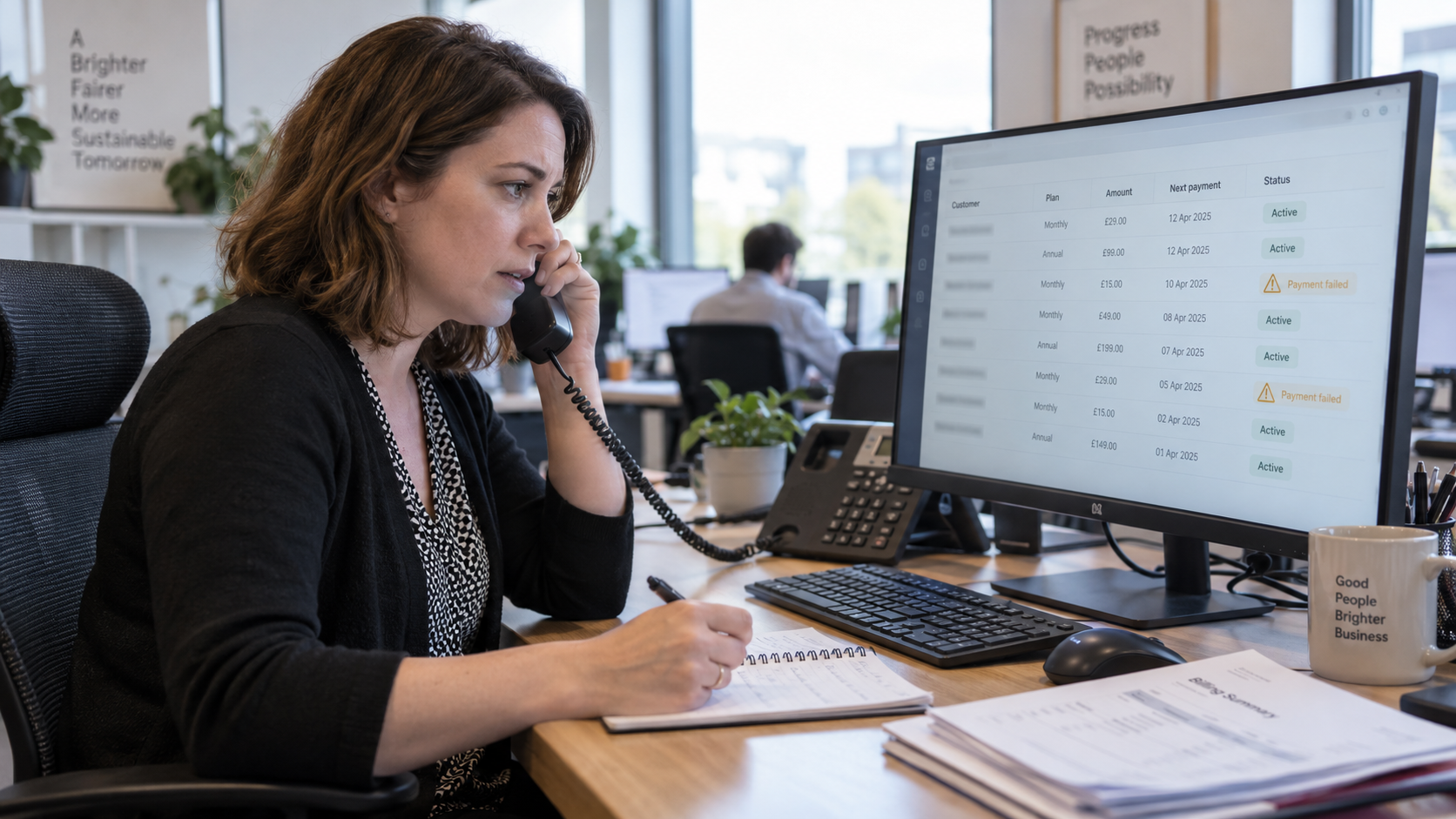
Woman working at a desk on a computer with a large monitor showing spreadsheets in an office
By Ned Lowe July 27, 2026
Manual council income reconciliation costs far more than most finance teams recognise, particularly around month end, when transaction volumes are highest and reporting deadlines are closest together. Ask a council finance team how long reconciliation actually takes each month, and the answer is rarely a precise figure. It is usually something closer to “however long it needs to,” because the process tends to expand to fill whatever time is available. Where the time actually goes Reconciliation is often assumed to be a single task, but it is really several tasks stacked together. Bank statements are exported and reviewed line by line against income records. Payments are matched manually, one at a time, even though the majority of them are routine and unremarkable. Genuine exceptions, the handful of transactions that actually need investigation, are buried within a much larger volume of transactions that simply need confirming. This matters because the effort involved in reconciling a straightforward, correctly allocated payment is, in a manual process, almost identical to the effort involved in reconciling one that needs closer attention. Every transaction gets the same level of manual handling, regardless of whether it needs it. The risk sitting behind the time cost The time cost is the most visible problem, but it is not the only one. When reconciliation is manual and high-volume, errors, missed payments, and unusual transactions become harder to identify, simply because they are one line among many being reviewed at speed. A duplicate payment, a missed allocation, or an irregular transaction pattern can sit unnoticed for longer than it should, particularly during the periods when reconciliation is most rushed.  For councils managing income across multiple bank accounts and multiple services, this risk compounds. Each additional account is another full manual review, and each additional service is another set of transaction patterns that finance staff need to hold in mind while working through the detail. What automated matching actually changes The shift from manual to automated reconciliation is not about removing finance team oversight. It is about applying that oversight only where it is genuinely needed. Automated matching clears allocated payments in a single step, whether that is a straightforward one-to-one match or the more complex one-to-many, many-to-one, and many-to-many matching that real-world reconciliation regularly requires. What remains for the finance team to review is the smaller set of genuine exceptions, the transactions that actually warrant a closer look, rather than the full transaction volume. This changes reconciliation from a task defined by volume to one defined by exception. A month with ten thousand transactions and a month with one thousand transactions require a similar amount of finance team attention, because the review effort scales with the number of exceptions, not the number of transactions. What this looks like for a council finance team in practice ● A rolling balance is maintained per bank account, so finance teams can track position without a full manual reconciliation each time ● Reconciliation extends across every bank account a council holds, filtered by payment date or posted date as needed ● Notes can be added and items archived without affecting overall totals, keeping a clear working record without disrupting the wider reconciliation ● Standard reports are available and can be copied and tailored to a council’s own reporting process, rather than requiring a reporting structure to be built from scratch Why this does not require a new system One of the more common assumptions about reconciliation improvements is that they require replacing existing systems or migrating data, which is often reason enough for the improvement to be deprioritised. Bank Reconciliation , as a SmartPay module, works directly within the SmartPay income records already in place, using the same secure access finance teams already have. There is no new system to learn and no migration project to plan around, which means the time saved on reconciliation is not offset by a lengthy implementation process to get there. Next step If reconciliation is currently taking longer than it should, particularly at month end, or if visibility across multiple bank accounts has become harder to maintain as transaction volumes have grown, it is worth seeing how automated matching changes that balance in practice. Contact the SmartPay team to Arrange a short demonstration of the Bank Reconciliation module, using examples relevant to your own reconciliation process.
a man is standing in front of a van holding a cell phone .
February 20, 2024
Introducing new technology into a business with a mobile workforce requires more than just installing software. Here's Adelante's guide to implementing new software